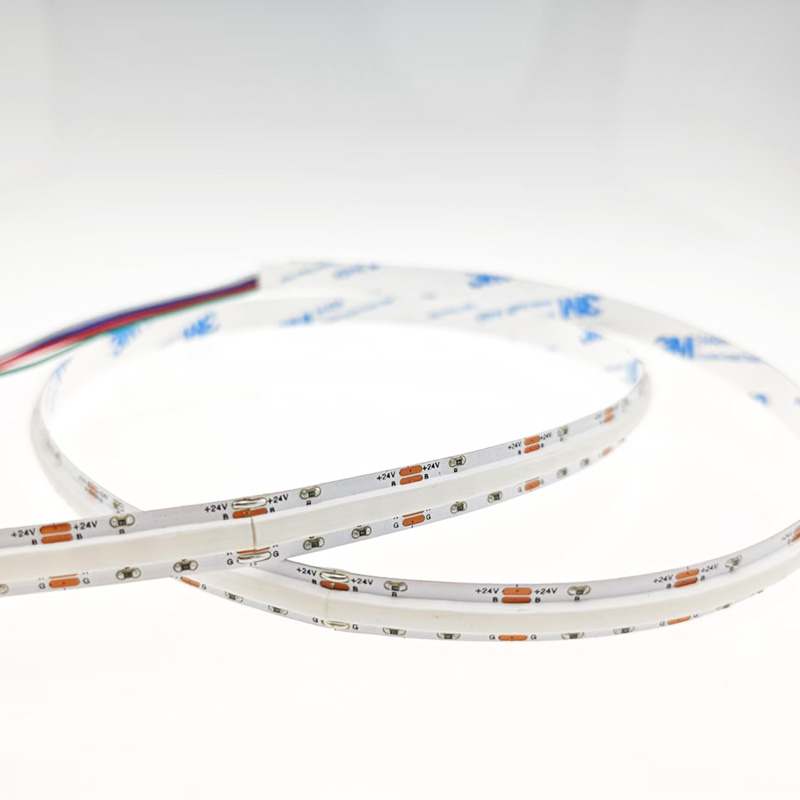
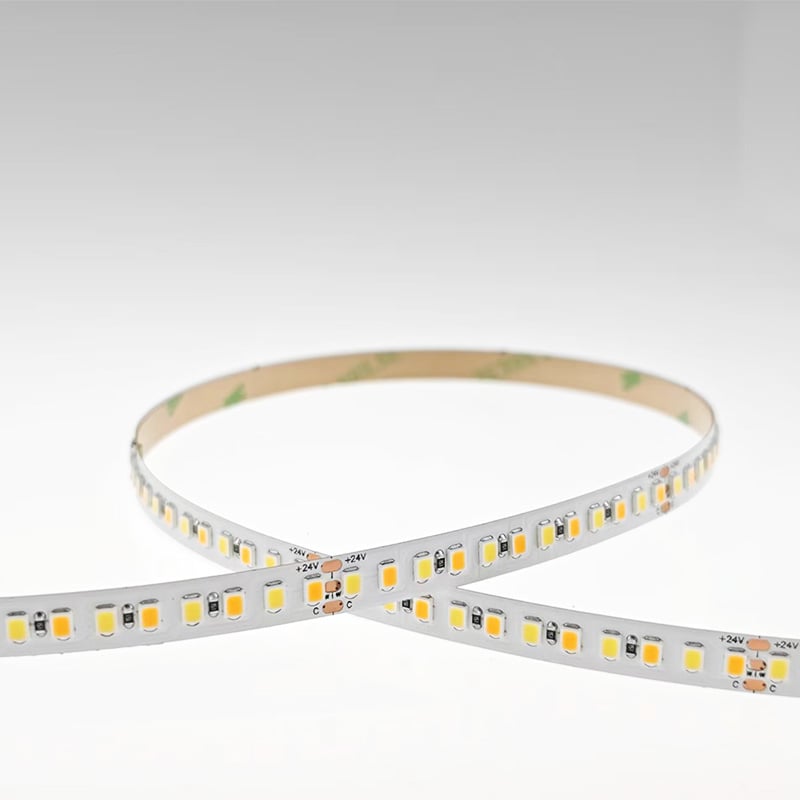
LED strips paired with smart controls transform ordinary lighting into dynamic, responsive environments. You can match your lighting to the natural rhythm of the day, setting the mood for any activity. This article shows you how to use scenes and schedules to bring your lighting to life.
Morning: Gentle Wake-Up
Scene: "Sunrise"
· Time: 6:30 AM (gradual transition over 20 minutes)
· Colour temperature: 2700K to 4000K
· Brightness: 0% to 80%
· Location: Bedroom cove or headboard strips
Effect: Gradual illumination simulates the rising sun. The shift from warm to neutral light reduces morning grogginess, helping you wake naturally.
Work: Focus Mode
Scene: "Productivity"
· Time: 9:00 AM to 5:00 PM (weekdays)
· Colour temperature: 4000K to 5000K
· Brightness: 100%
· Location: Home office under-cabinet or desk strips
Effect: Bright, cool light boosts alertness and concentration. CRI 90+ ensures accurate colour for documents and screens.
Evening: Relaxation
Scene: "Wind Down"
· Time: 6:00 PM to 10:00 PM
· Colour temperature: 2700K
· Brightness: 40%
· Location: Living room cove and TV backlighting
Effect: Warm dim light signals the body to produce melatonin. Soft, indirect lighting reduces eye strain and creates a cosy atmosphere.
Night: Safety
Scene: "Night Guide"
· Time: 10:00 PM to 6:00 AM
· Colour temperature: 2200K
· Brightness: 5%
· Location: Hallway floor-level strips, staircase risers, bathroom baseboards
Effect: Barely visible warm light illuminates pathways without disrupting sleep or disturbing household members.
Entertainment: Immersive
Scene: "Movie Night"
· Time: On-demand (voice trigger)
· Colour temperature: 2200K
· Brightness: 20%
· Location: TV backlighting, room perimeter dimmed
Effect: Warm, dim lighting reduces screen glare and enhances contrast. The cinematic glow creates an immersive home theatre experience.
Creating Your Own Scenes
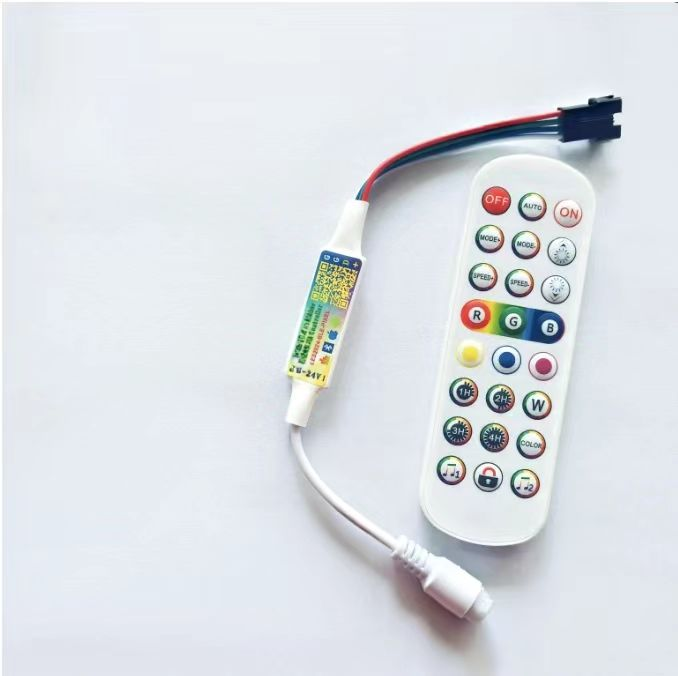
With a smart controller (Wi‑Fi, Zigbee, or Bluetooth), you can:
· Save your favourite presets and recall them instantly
· Use voice commands to activate scenes
· Adjust brightness and colour temperature per space and occasion
· Use a sunset timer to wind down automatically
· Trigger scenes with motion or door sensors for hands-free operation
· Set vacation modes to simulate occupancy while you're away
Quick tip: Always test the colour temperature and brightness of each scene in your actual space before saving your settings.
Final Thoughts
A well-programmed lighting schedule saves energy and enhances wellbeing. Start with a few presets and expand as you discover what suits your daily routine.
Explore our range of smart controllers and compatible LED strips. Contact us for personalised scene programming and automation advice.
 Hot News
2026-07-24
2026-07-24
2026-07-24
2026-07-24
2026-07-24
2026-07-24
 EN
EN