Your LED strip is installed, but it won't light up—or it flickers, dims, or shows odd colours. Here are the most common failures and how to diagnose them.
1. No Power
Check: Is the driver plugged in and switched on? Test the outlet with another device.
Check: Is the voltage correct? Use a multimeter to measure driver output—should match your strip (12V or 24V).
Check: Are the polarity connections correct? Red to positive (+), black to negative (−). Reversing polarity prevents operation.
2. Flickering
Likely causes:
· Under-powered driver – total wattage exceeds driver capacity
· Loose connection – poor solder joint or connector
· Incompatible dimmer – traditional dimmers don't work with LEDs
· Low PWM frequency – cheap dimmers cause visible flicker
Fix: Upgrade your driver, secure connections, replace the dimmer with an LED-compatible PWM model.
3. Strip Dim at the End
Cause: Voltage drop. The copper traces in the strip have resistance, reducing voltage along the length.
Fix:
· Use 24V instead of 12V for longer runs
· Inject power at the far end
· Use thicker wires (18 AWG or lower)
· Use a strip with thicker copper (2oz+)
4. Dead Section
Cause: Cutting in the wrong place, physical damage, or a failed connection.
Fix:
· Cut out the dead section (at a designated cut mark)
· Reconnect using solder or a quality connector
· If individual LEDs are dead, the strip must be replaced
5. Overheating
Cause: No heat sinking, enclosed installation, or overdriving.
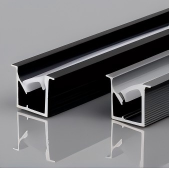
Fix: Install an aluminium profile, add ventilation, or reduce the driver wattage.
6. Colour Mismatch
Cause: Different batches, inconsistent heat, or ageing.
Fix: Replace mismatched sections with strips from the same batch. Use aluminium profiles for even heat distribution.
Diagnostic Flowchart
1. Check power at the driver – If none, replace driver
2. Check voltage at the strip start – If incorrect, check wiring
3. Check voltage at the strip end – If dropped 5%, inject power
4. Check for physical damage – If visible, replace section
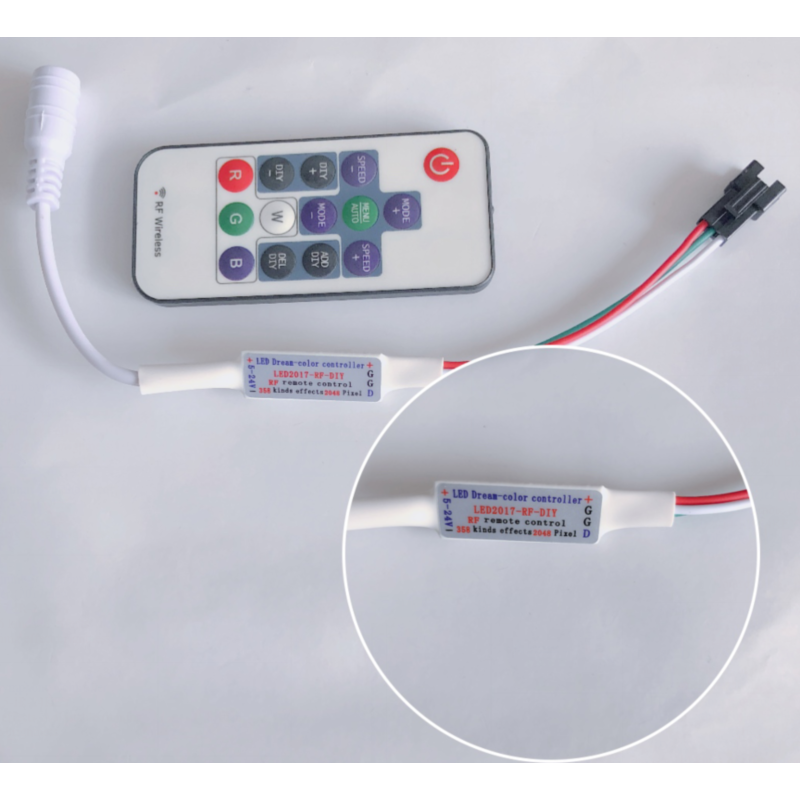
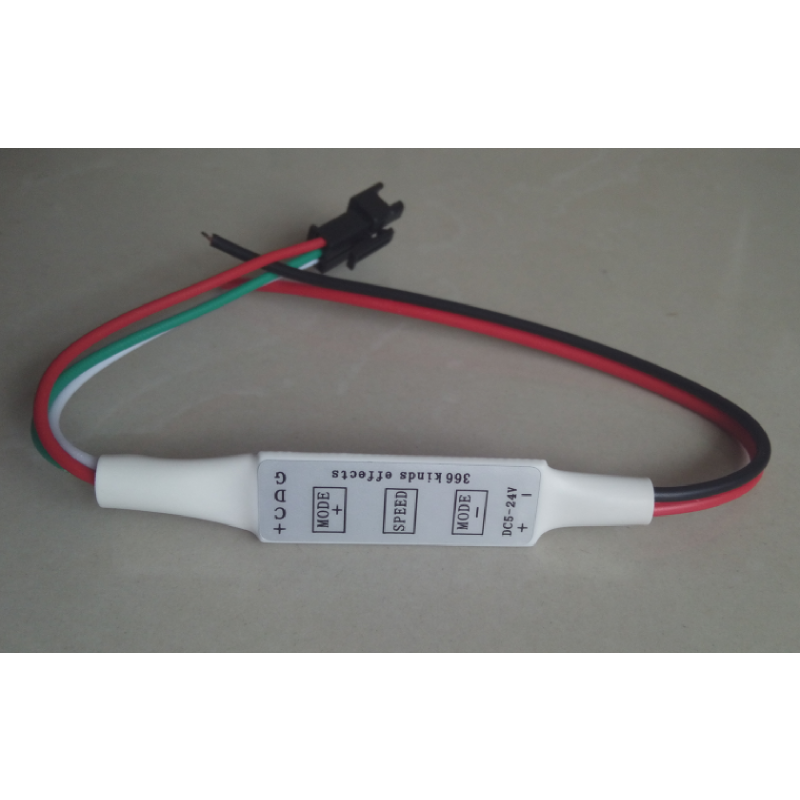
5. Check dimmer/controller – Bypass to test
Quick Fixes
Symptom Quick Check
No light Polarity, driver power, cut points
Flicker Driver capacity, connections, dimmer
Dim end Voltage drop, wire gauge
Dead section Cut points, physical damage
Colour mismatch Batch consistency, heat sinking
Final Thoughts
Most LED strip problems are simple to diagnose. Start with the basics—power, connections, and voltage—and work through systematically. A multimeter is your best troubleshooting tool. Need replacement parts or technical support? Contact our team—we can help diagnose and supply the right components.
 Hot News
2026-07-24
2026-07-24
2026-07-24
2026-07-24
2026-07-24
2026-07-24
 EN
EN