Content creators, photographers, and videographers know that lighting is everything. A poorly lit scene can ruin an otherwise perfect shot, while great lighting elevates production value instantly. But professional studio lights are bulky, expensive, and often inflexible.
Enter LED strip lights. When chosen correctly, they offer affordable, versatile, and space‑saving solutions for creative lighting—from background accents to key light fill. However, not every strip is suitable. Here's what photographers and videographers need to know.
1. Why LED Strips Are Game‑Changers for Creators
LED strips bring unique advantages to photo and video sets:
· Flexible placement – Stick them behind props, along walls, or inside light boxes.
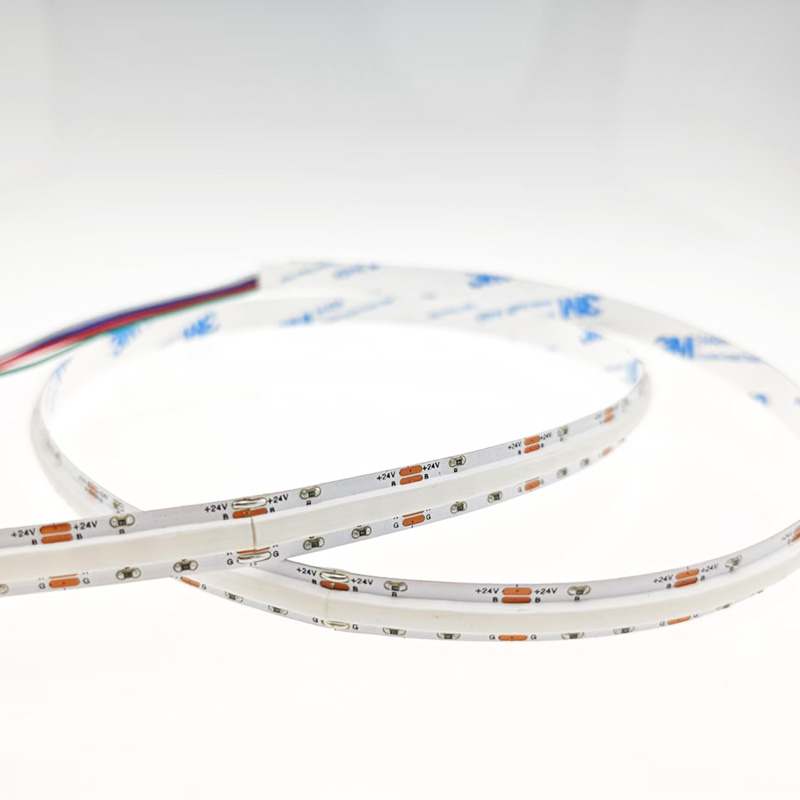
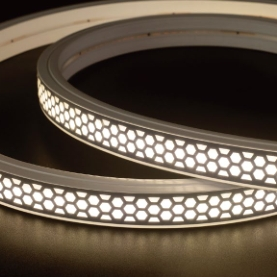
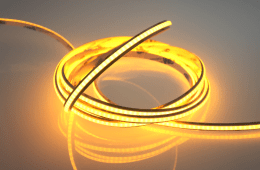
· Even illumination – COB strips provide continuous, dot‑free light—ideal for backgrounds and product shots.
· Colour control – RGBW and tunable white strips allow instant mood changes without gels.
· Compact and lightweight – Easy to transport and set up in tight spaces.
· Low heat output – Comfortable for long shoots and safe for heat‑sensitive subjects.
2. Critical Specifications for Photography Use
Not every LED strip is suitable for creative work. Here are the non‑negotiable specs:
CRI (Colour Rendering Index) – Minimum 95+
CRI measures how accurately a light source reproduces colours compared to sunlight. For professional photography, CRI 95+ is essential. Lower CRI makes skin tones look flat or sickly, and product colours appear muted or off‑hue.
What to look for: Strips explicitly rated at CRI 95 or CRI 97. Avoid strips that only specify CRI 80 – they're fine for general lighting but not for critical colour work.
TLCI (Television Lighting Consistency Index) – 90+
TLCI is the broadcast and video equivalent of CRI. It evaluates how colours look on camera sensors. For video work, TLCI 90+ ensures accurate skin tones and consistent colours across different cameras.
Pro tip: Some premium strips provide both CRI and TLCI ratings. If you're primarily shooting video, prioritise TLCI.
Flicker‑Free Operation
Flicker is the enemy of video. Even if invisible to the naked eye, flicker can appear as rolling bands, strobing, or colour shifts in footage—especially at high frame rates or slow motion.
What to check:
· Choose strips with high‑frequency PWM dimming (≥ 2000Hz, ideally 4000Hz+).
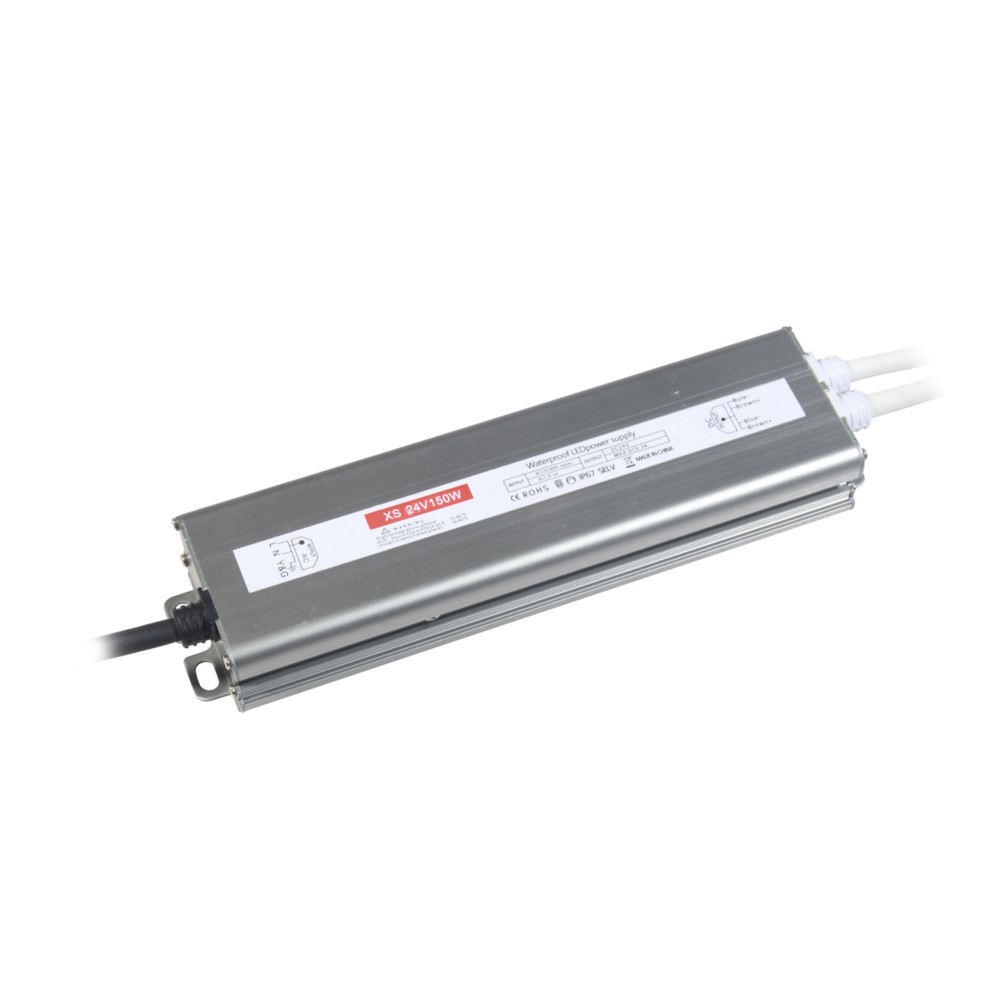
· Pair with a flicker‑free driver specifically designed for video use.
· Test with your camera at various shutter speeds and frame rates before a shoot.
Tunable Colour Temperature (CCT)
Different scenes demand different colour temperatures. Daylight (5600K) for product shots, warm (3200K) for cosy portraits, or neutral (4000K) for versatility.
Advantage: Tunable white strips let you adjust Kelvin without swapping bulbs or using gels—saving time and money.
For ultimate flexibility: Choose RGBW strips (red‑green‑blue plus dedicated white) for full colour control plus high‑quality white light.
3. Practical Applications on Set
Use Case Recommended Strip Placement Tips
Background accent wall Tunable white, COB, CRI 95+ Stick behind set pieces or along wall edges for a soft glow
Product photography fill light High‑CRI 4000K–5000K, even spread Place inside a light tent or behind diffuser panels
Portrait rim/backlight COB, dimmable, warm‑tunable Mount behind subject, angled slightly toward camera
Colour wash for music videos RGBW or RGB, high brightness Place along floor edges or ceiling to create dynamic backgrounds
Interview key light fill 5600K daylight, CRI 95+ Use as fill from below or side; pair with main light
Stop‑motion animation set Flicker‑free, CCT‑tunable, consistent output Under‑table or overhead strips ensure uniform, shadow‑free light
4. Avoiding Common Pitfalls
Pitfall 1: Cheap drivers cause flicker
· Even a high‑CRI strip will flicker if paired with a poor driver. Invest in a quality driver from a reputable brand.
Pitfall 2: Voltage drop in long runs
· If you need strips longer than 5 metres, voltage drop can cause uneven brightness—noticeable on camera. Use 24V systems and inject power at both ends.
Pitfall 3: Colour inconsistency
· Different batches may have slight colour variations. For critical work, order all strips from the same batch, and test them together before the shoot.
Pitfall 4: Glare and hotspots
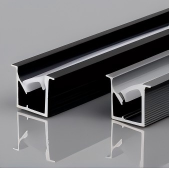
· Bare SMD strips create harsh dots. Use aluminium channels with frosted diffusers to soften and even out the light.
5. Creating a Simple Studio Setup
Here's a budget‑friendly, portable lighting rig using LED strips:
Materials:
· 2x 2‑metre COB tunable white strips (CRI 95+, 4000K‑5000K)
· 2x aluminium profiles with frosted diffusers
· 1x flicker‑free dimmable driver
· 1x lightweight stand or tripod mount
Setup:
· Mount each strip vertically on a lightweight panel or foam board.
· Position them on either side of your subject at 45° angles.
· Use a third strip horizontally above for top fill.
This creates soft, even, three‑point lighting at a fraction of the cost of traditional studio fixtures—and it packs into a carry‑on bag.
6. Maintenance for Creative Work
· Keep diffusers clean—dust shows up in close‑up shots.
· Regularly check for any dead pixels or colour shifts—replace faulty sections immediately.
· Store strips coiled loosely, not bent sharply, to avoid PCB damage.
7. Final Checklist Before Buying
· CRI ≥ 95 (or TLCI ≥ 90 for video)
· Flicker‑free driver available or included
· Dimming range smooth, no steps or flash
· Tunable white (2700–6500K) or RGBW
· COB technology for dot‑free light
· 24V for longer runs
· Frosted diffuser included or compatible
· Certifications (CE, RoHS) for safety
Final Thoughts
LED strips are no longer just for home accents—they're powerful tools for creative professionals. With the right specifications—high CRI, flicker‑free drivers, and tunable colour—they can replace expensive studio lights and unlock new creative possibilities.
Whether you're a YouTuber, product photographer, indie filmmaker, or stop‑motion artist, the right LED strip can transform your production quality without breaking your budget.
Discover our range of professional‑grade LED strips—featuring CRI 95+, flicker‑free drivers, and RGBW options. Perfect for studios, sets, and on‑location shoots. Contact us for custom lengths and technical advice tailored to your creative needs.
 Hot News
2026-07-24
2026-07-24
2026-07-24
2026-07-24
2026-07-24
2026-07-24
 EN
EN