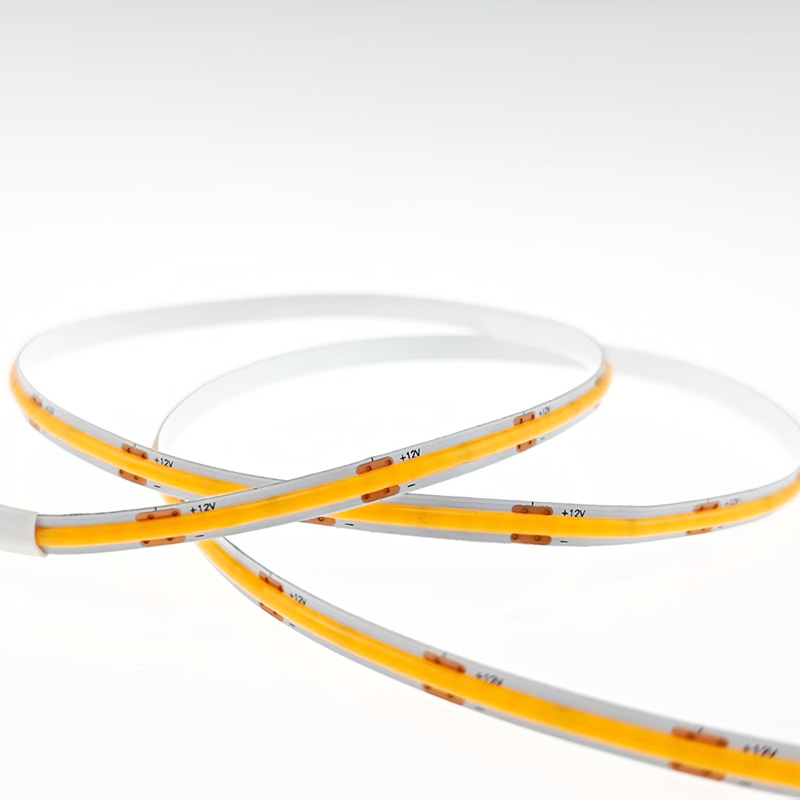
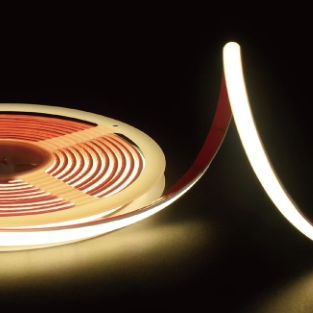
Imagine walking into your living room and saying, "Alexa, movie mode," and your LED strips instantly dim to a warm 2200K, creating the perfect cinema atmosphere. Or picture your under-cabinet lights gradually brightening at 6:30 AM to simulate a gentle sunrise, helping you wake naturally.
This isn't science fiction—it's smart lighting, and it's more accessible than ever. LED strips paired with intelligent controllers transform ordinary lighting into an interactive, personalised experience. This guide explains everything you need to know about smart controls—from protocols to installation to creative automation.
1. Why Go Smart with Your LED Strips?
Smart controls offer benefits that go far beyond convenience:
· Convenience – Control lights from your phone, voice, or even presence sensors. No more fumbling for switches.
· Energy savings – Set schedules so lights turn off automatically when you leave or sleep.
· Personalisation – Create scenes for different moods, activities, or times of day.
· Integration – Connect with other smart devices—thermostats, blinds, security systems—for whole-home automation.
· Remote access – Control your lights from anywhere in the world via internet-connected hubs.
2. Understanding Smart Protocols: Wi-Fi, Zigbee, Z-Wave & Bluetooth
The first decision is choosing a communication protocol. Each has strengths and trade-offs.
Protocol Pros Cons Best For
Wi-Fi Direct connection to internet; no hub required; easy setup Higher power consumption; relies on cloud; can congest network Small setups; renters; quick installations
Zigbee Low power; reliable local control; mesh networking (devices relay signals) Requires a compatible hub or bridge Large smart homes; multi-room installations
Z-Wave Low power; robust mesh; excellent range Requires hub; less common than Zigbee Whole-home automation with many devices
Bluetooth Mesh No hub; simple app control; works offline Limited range; slower response Simple DIY kits; single-room setups
Our recommendation:
· For a single room or basic setup, Wi-Fi controllers are the simplest choice.
· For whole-home automation, invest in Zigbee (compatible with Philips Hue, Amazon Echo, and most smart home hubs).
3. Controller Types: What Do You Need?
LED controllers vary in complexity. Choose based on your desired features.
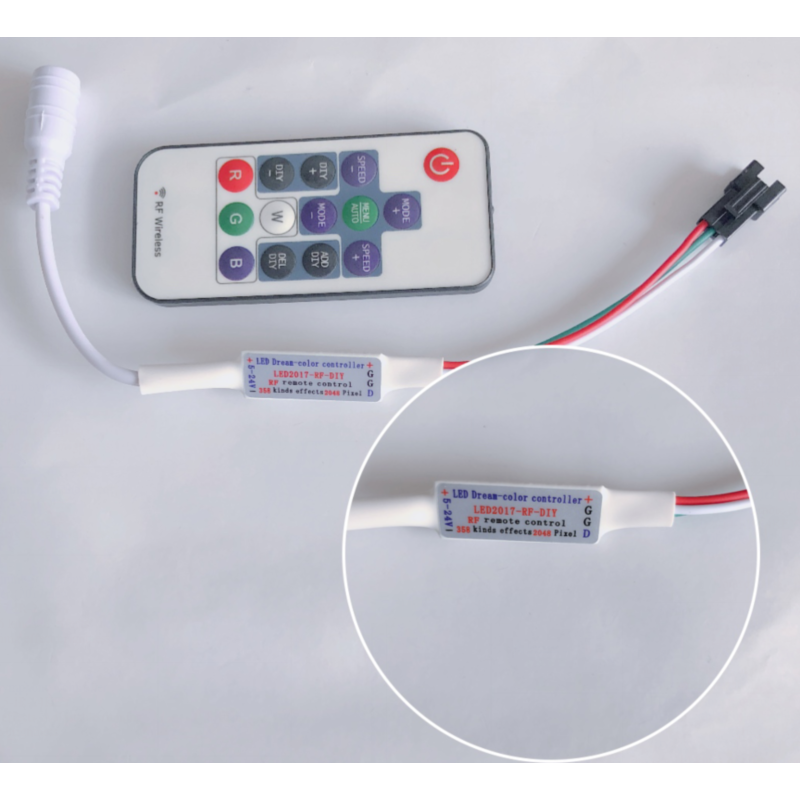
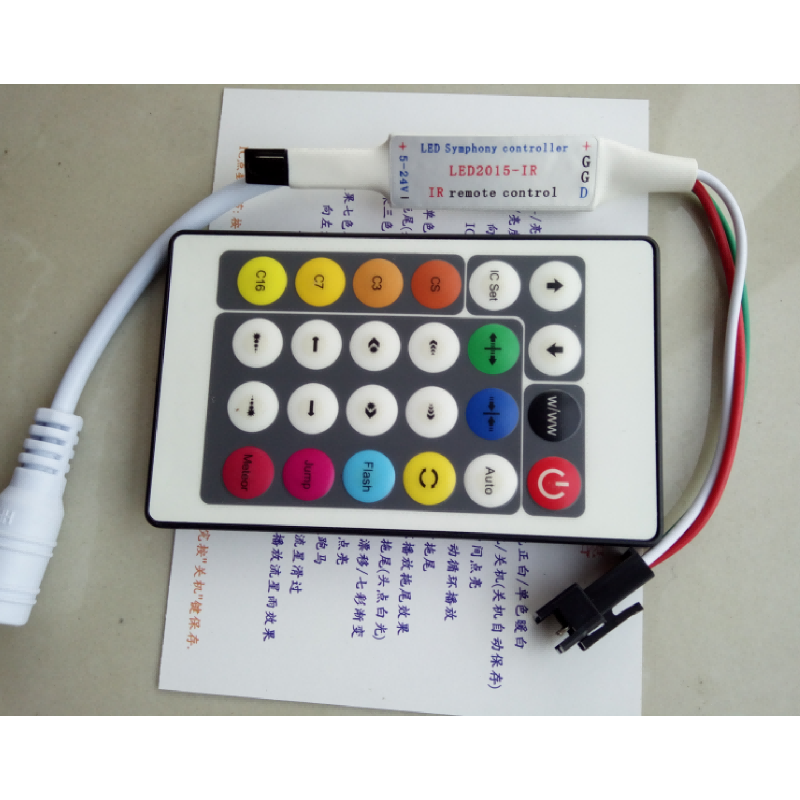
Basic Controller (IR or RF)
· Uses a dedicated remote control (infrared or radio frequency).
· Adjust brightness, colour, and basic modes.
· Ideal for: Budget setups, guest rooms, or temporary installations.
Smart App Controller (Wi-Fi/Bluetooth)
· Controlled via smartphone app over Wi-Fi or Bluetooth.
· Includes scheduling, timers, and scene presets.
· Some models work without an internet connection (local control).
· Ideal for: Homeowners who want convenience without a hub.
Hub-Based Smart Controller (Zigbee/Z-Wave)
· Works with a central hub (e.g., Hue Bridge, SmartThings, Home Assistant).
· Enables advanced automation, cross-device integration, and voice control.
· Ideal for: Full smart home setups with multiple lighting zones.
Professional DALI / DMX Controllers
· Industry-standard protocols for commercial lighting.
· Require specialised wiring and programming.
· Ideal for: Hotels, galleries, offices, and large-scale installations.
4. Voice Control Integration
Most modern smart controllers support major voice platforms:
· Amazon Alexa – "Alexa, set bedroom lights to warm white."
· Google Assistant – "Hey Google, turn on kitchen under-cabinet lights."
· Apple HomeKit – "Siri, dim living room to 30%."
What you need:
· A compatible controller (check for "Works with Alexa" or "HomeKit compatible" labels).
· A smart speaker or hub (Echo, Nest, HomePod) if using Wi-Fi controllers.
· Proper naming of devices and rooms in the app for smooth voice commands.
Pro tip: Group multiple strips into "zones" (e.g., "Living Room Cove" vs. "Living Room TV Backlight") for precise control.
5. Creating Scenes and Automation
This is where smart lighting truly shines. Spend a few minutes setting up scenes, and you'll enjoy them daily.
Example scenes:
· Morning Wake: 4000K, gradually brighten from 0% to 80% over 30 minutes.
· Focus: 5000K, 100% brightness for home office work.
· Movie Night: 2200K, dim to 20%, RGB accent lighting behind the TV.
· Dinner Party: 2700K, 50%, gentle colour transitions.
· Bedtime: 2200K, dim to 5% over 15 minutes, then off.
· Away Mode: Random on/off patterns to simulate occupancy while on holiday.
Advanced automation (IFTTT or routine-based):
· Turn on stairway strips when motion is detected at night.
· Sync with weather—warm lighting on cloudy days, bright on sunny mornings.
· Trigger lights to flash when a doorbell rings or a message arrives.
6. Installation Tips for Smart Strips
Smart strips install similarly to standard strips, but with a few extra considerations:
1. Controller placement
· Place the controller between the power supply and the strip.
· Ensure it's in a location accessible for manual pairing (if required).
· Keep away from heat sources and moisture.
2. Pairing
· Follow the manufacturer's instructions carefully—usually involving a power cycle and button press sequence.
· Use the app to scan for the device and assign it to a room.
3. Firmware updates
· Smart controllers regularly receive updates. Check the app periodically for new features and bug fixes.
4. Network strength
· For Wi-Fi controllers, ensure a strong signal at the installation location. Consider a Wi-Fi extender for distant areas.
7. Common Issues and Troubleshooting
Issue Likely Cause Solution
Device not found in app Controller not in pairing mode Power cycle; re-enter pairing mode
Lights respond slowly Weak Wi-Fi or hub congestion Move hub closer; reduce network load
Automations don't run App permissions or time zone wrong Check app settings; restart hub
Voice command fails Device name mismatch Use simple, unique names (avoid "light" in every name)
Lights flicker when dimmed Incompatible dimmer or low PWM frequency Use a quality smart controller with high-frequency dimming
8. Choosing the Right Smart System
User Type Recommended Setup
Renter / small flat Wi-Fi controller + app (no hub needed)
Homeowner with several rooms Zigbee controller + compatible hub (e.g., Hue or Amazon Echo with Zigbee)
Tech enthusiast Home Assistant + Zigbee/Z-Wave + custom automation
Commercial / professional DALI or DMX system with centralised control
9. The Future: AI and Adaptive Lighting
The next frontier is adaptive lighting that responds to context. Some advanced systems already:
· Adjust colour temperature automatically based on the time of day (circadian lighting).
· Sync with calendar and weather to match your activities.
· Learn your habits and pre-adjust lights before you enter a room.
Investing in a flexible smart system today prepares you for these innovations tomorrow.
Final Thoughts
Smart controls turn LED strips from simple lighting into an intelligent, responsive part of your home or business. Whether you start with a single Wi-Fi strip in your bedroom or deploy a whole-house Zigbee system, the benefits—convenience, energy savings, and enhanced mood—are immediate and lasting.
Start small, experiment with scenes, and soon you'll wonder how you ever managed without smart lighting.
Explore our range of smart-ready LED strips and compatible controllers—Wi-Fi, Zigbee, and Bluetooth options available. We also offer pre-configured smart lighting kits with everything you need to get started. Contact us for personalised recommendations based on your space and automation goals.
 Hot News
2026-07-24
2026-07-24
2026-07-24
2026-07-24
2026-07-24
2026-07-24
 EN
EN